CrewRadar
Know which friends are on your layover.
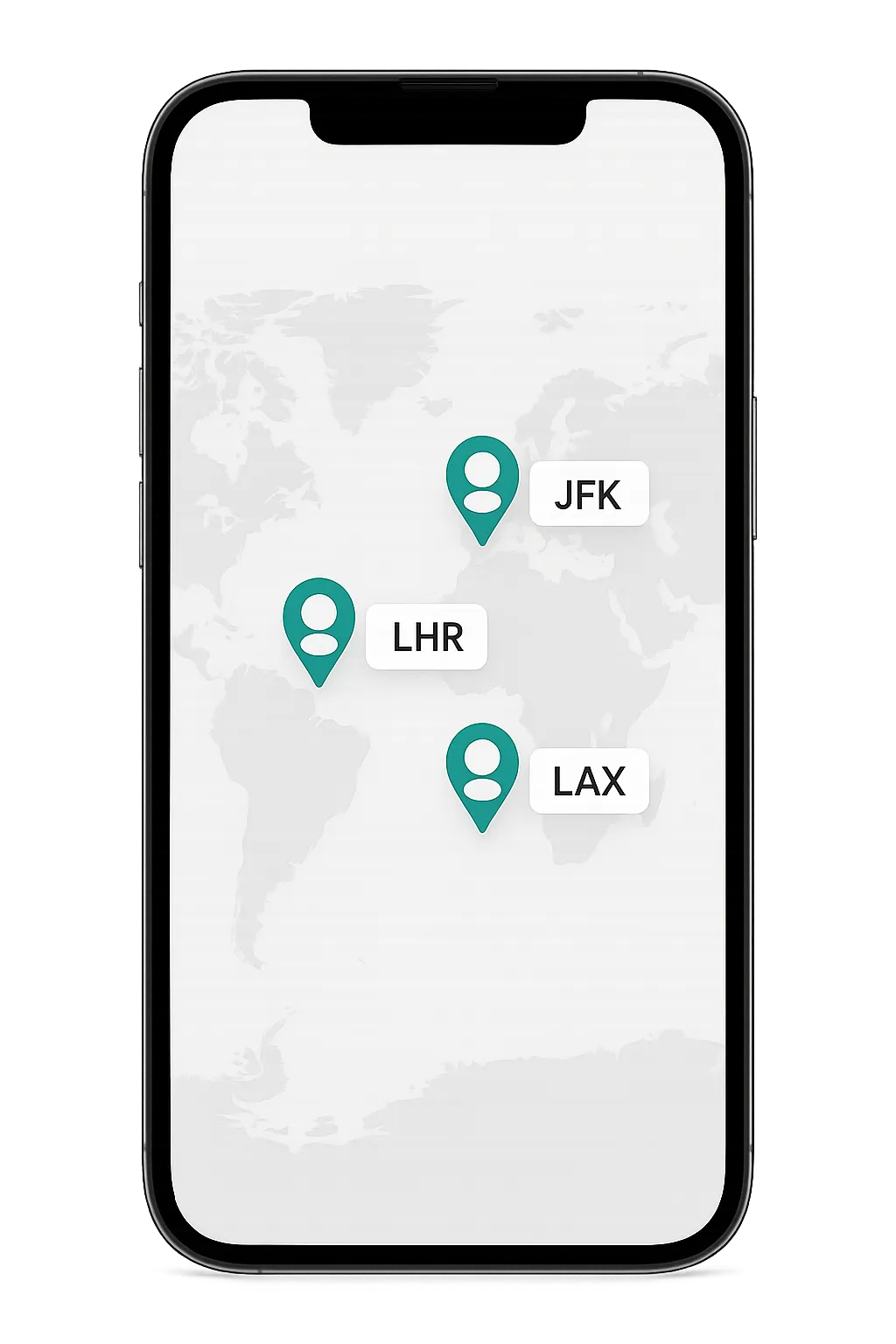
CrewRadar is a private map for airline crews. Share your location by airport code, see which friends are nearby, and message them to meet up between flights.


Free to download. Built for pilots, flight attendants, and mechanics.
How CrewRadar works
01
Set up your profile
Add your role, airline, and home base. Takes about a minute.
02
Add your crew
Send and accept friend requests. Search by airline or home base to find people you fly with.
03
Meet up on the ground
See your friends on the map by airport code and message them to coordinate plans during a layover.
What You Get
Live crew map
Friends show up as pins on a world map with their current airport code, so you can tell at a glance who is in your city.
Layover messaging
Direct messages with your crew to make plans when you land in the same place.
Status at a glance
Set yourself as Available, Need Rest, Traveling, or Off Duty so friends know if you are up for meeting.
Privacy by design
Your location shows as an airport code, not your exact GPS. Only friends you have accepted can see where you are.
Friend controls
Search by airline or home base, accept who you want, and block anyone you do not.
Notifications
Get a heads up on friend requests and new messages so you do not miss a layover plan.
PRIVACY BY DESIGN
Your location stays with your crew
CrewRadar shows your location as an airport code like JFK or LHR, not your exact GPS position. Only the friends you accept can see where you are. You can turn location sharing off any time, and block anyone you do not want to see you.
Made for people who live out of a suitcase
If your schedule sends you all over the map, CrewRadar helps you turn a random layover into time with people you actually know.
Pilots
Flight attendants
Mechanics
Your next layover is better with your crew.
Common questions
Everything you need to know about how CrewRadar works, who it's for, and how we protect your privacy.
Who can use CrewRadar?
Airline crew: pilots, flight attendants, and mechanics.
Can anyone see my location?
No. Only friends you accept can see it, and only as an airport code, never exact GPS.
Can I stop sharing my location?
Yes. You can toggle location sharing off any time, and turn it back on whenever you want.
Does it cost anything?
CrewRadar is free to download.